
Waitlist

This example illustrates how to deal with waitlist, using Reservation Contacts.
When a Reservation Contact is inserted or updated, a record triggered flow (GM - Reservation Contact - Waitlist) checks if the Reservation has a max capacity.
If that is the case, it checks if the flow is creating a new Reservation Contact, or updating an existing one’s status to Canceled.
In the case of creating a new one, it checks how many Contacts are registered, and sets the Status of the newly created one to Registered or Waitlist accordingly.
In the case of a cancelation, it gets the oldest Reservation Contact wit a Waitlist status and updates is to Registered.
===
As this is an example of waiting list functionality, feel free to change the flow and adapt it to any business needs you might have!
Package Contents
Fields (6)
Component Name | Parent Object | Component Type |
|---|---|---|
Registered Reservation Contacts | Reservation | Custom Field |
Status | Reservation Contact | Custom Field |
Total Reservation Contacts | Reservation | Custom Field |
Waitlisted Reservation Contacts | Reservation | Custom Field |
Registration Overview | Reservation | Custom Field |
Updating | Reservation Contact | Custom Field |
Resources (2)
Component Name | Parent Object | Component Type |
|---|---|---|
Register | Reservation | Action |
Cancel Registration | Reservation Contact | Action |
Flows (3)
Component Name | Parent Object | Component Type |
|---|---|---|
GM Reservation - Register as Contact Reservation (Experience Cloud) | — | Screen Flow |
GM - Reservation Contact - Cancel | — | Screen Flow |
GM - Reservation Contact - Waitlist | — | Record Triggered Flow |
Code (3)
Component Name | Parent Object | Component Type |
|---|---|---|
ReservationContactTrigger | Reservation Contact | Apex Trigger |
ReservationContactRollupHandlerTest | — | Apex Class |
ReservationContactRollupHandler | — | Apex Class |
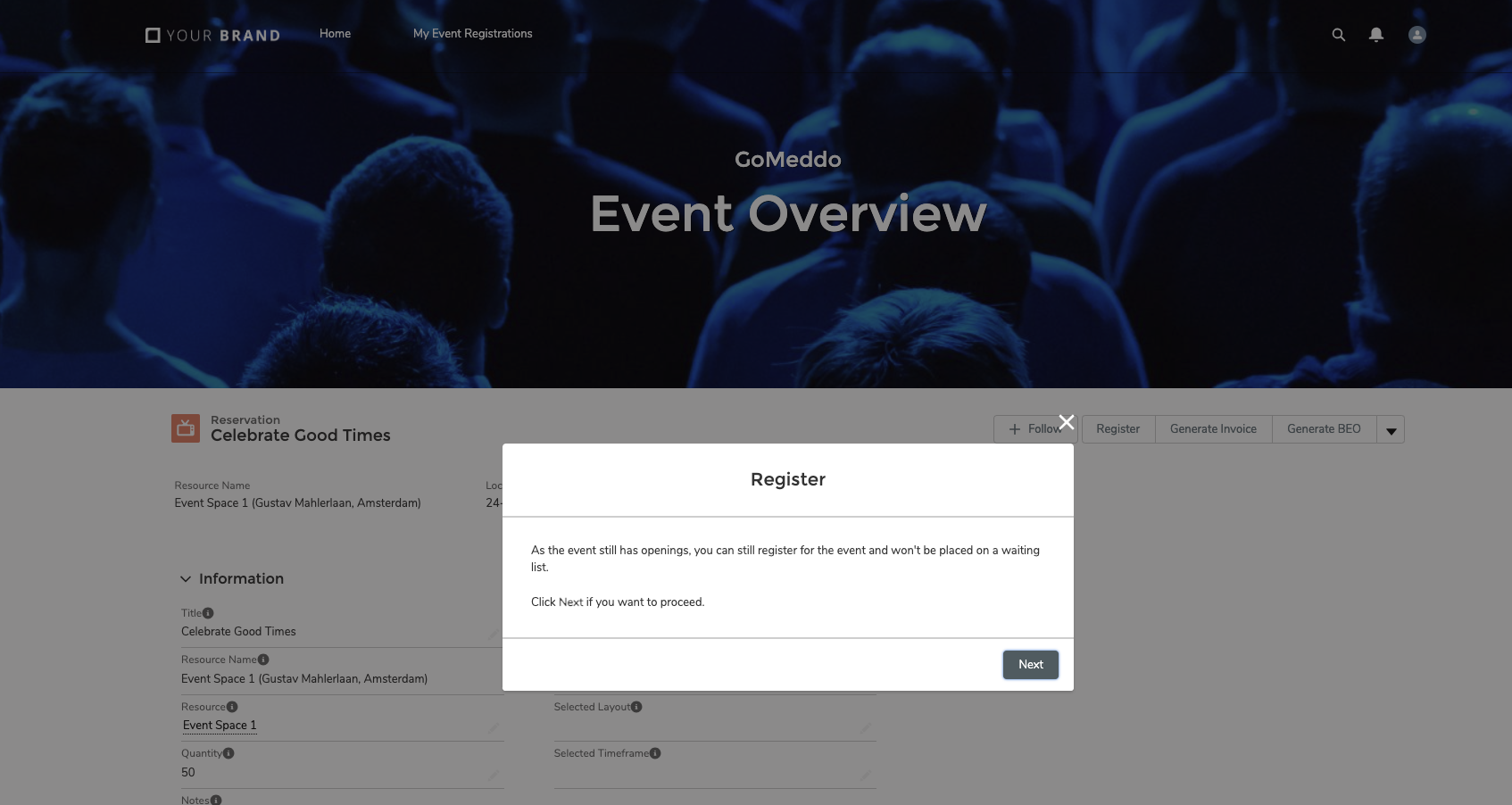
Example
Installation
Use this URL to install the package into Production and Developer orgs

Use this URL to install the package into Sandbox orgs
How to use
Edit the Reservation page layout, and add the Register Lightning Action
Edit the Reservation Contact page layout, and add the Cancel Lightning Action
Enable the (screen) flows you want use
Users can now:
Register for a Reservation: this creates a Reservation Contact record
Cancel their registration, this set the Status of the Reservation Contact to Canceled
At the same time, the system can check a Reservation’s capacity and decide if registrations should be put on the waitlist.

As this is an example of waiting list functionality, feel free to change the flow and adapt it to any business needs you might have!